

Profile photos
Replace a distracting background with a calm color or a setting that suits your profile.
Upload a photo, remove its old background, and make it yours with a color, image or transparent finish.
Free · No signup · No watermark · Your image is processed in your browser
Choose one photo, or select several for batch processing
Drag & drop, or paste from clipboard (⌘/Ctrl + V)
JPG · PNG · WebP, up to 22 MB · first use downloads about 76 MB · processed locally
No image? Try one:
or keep it transparent and add your own later
Use your own background
Choose a local JPG, PNG, or WebP. It stays on this device.
Drag the handle to compare the original with the result. These samples were produced by the same model that runs in your browser.
 BeforeAfter
Results depend on the source photo — clear subjects with even lighting cut out cleanest.
No layers, masks or editing skills. SwitchBG guides you from the first upload to a result you can use.
Choose a photoChoose a JPG, PNG or WebP from your device, or try one of the sample photos.
Keep it transparent, pick a color or image, or upload a background of your own.
Compare the original and result, then download a clean image with no watermark.
Start with a clear subject, then choose a background that fits what you want to make. SwitchBG is currently for personal, non-commercial use.
Replace a distracting background with a calm color or a setting that suits your profile.
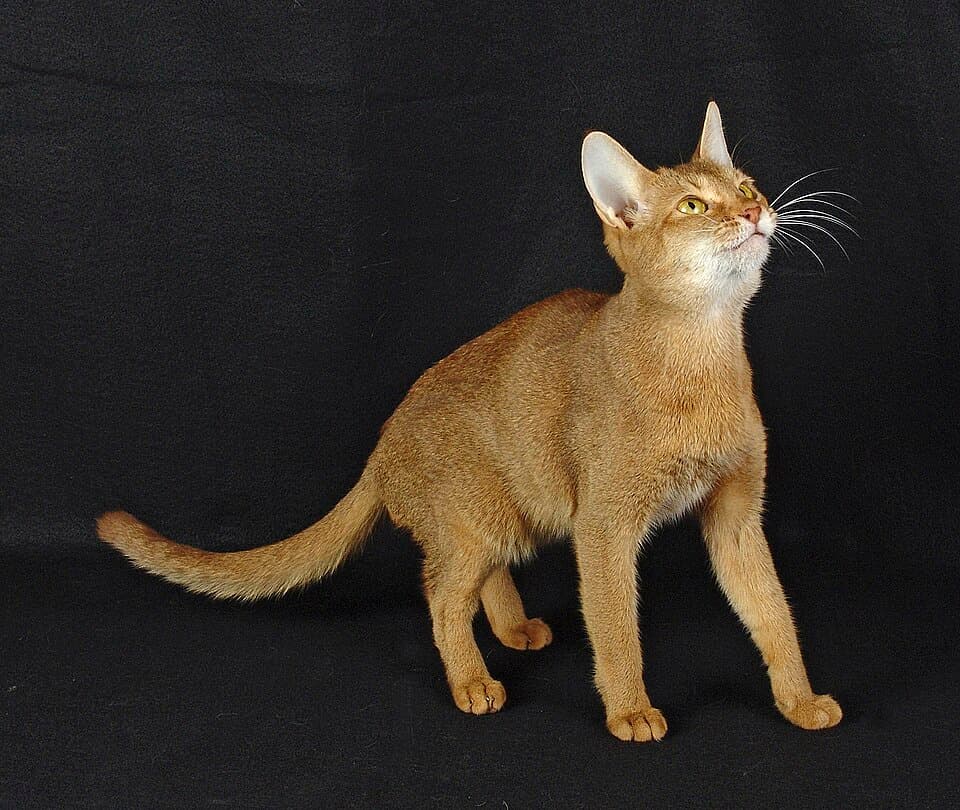
Isolate a pet or person for a sticker, greeting card, wallpaper or family collage.

Lift an object from a photo for a school project, mood board or personal design.
Better source photos produce cleaner edges. These simple checks help before you upload.
A subject that contrasts with the background is easier to identify cleanly.
Good light preserves hair, fur and small edge details without heavy shadows.
Use a sharp image where the full subject is visible and not covered by other objects.
Pick a photo and see the result in your browser.